

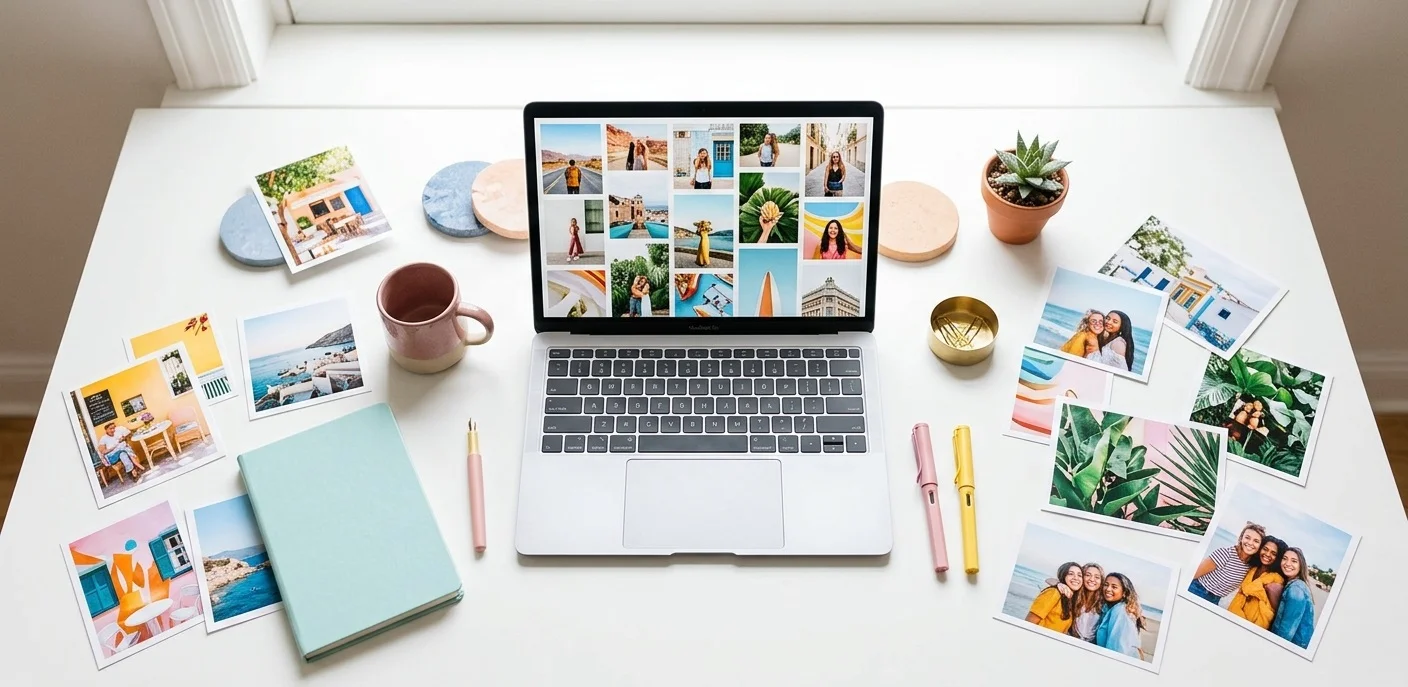
Why does your content feel… unfinished? You nailed the words. The caption is fire. The site finally matches the vision in your head. But scroll through, and something’s missing. It’s flat. Lifeless. Almost like the page is holding its breath. Ever closed a blog post in three seconds because the header was yet another fake handshake?
Yeah, same. Now ask yourself: what if the one thing holding your work back cost you absolutely nothing to fix?
That’s where visuals come in. And here’s the good news — you don’t need to spend a single dollar to get stunning, professional images.
The best free stock photo sites in 2026 are better than ever. They offer millions of high-resolution, royalty-free photos — legally safe, completely free, and ready to download in seconds.
Whether you’re a blogger, YouTuber, social media manager, or student creator, this guide is for you.
The best free stock photo sites for content creators in 2026 include Unsplash, Pexels, Pixabay, StockSnap.io, Burst by Shopify, and Vecteezy. These platforms offer millions of high-quality, royalty-free photos you can use for blogs, social media, websites, and commercial projects — completely free and without copyright issues.
Why Content Creators Can’t Ignore Free Stock Images
Think about it: articles with images get 94% more views than those without, a Skyword study found. Visuals aren’t optional — they’re essential.
But hiring a photographer or buying stock images can cost $20–$100+ per photo. That adds up fast, especially when you’re publishing content every week.
Free stock photo sites solve this. And in 2026, the quality gap between free and paid has nearly disappeared.
- Save hundreds (or thousands) of dollars per year
- Access millions of professional-grade photos instantly
- Use images legally — no copyright stress
- Find modern, authentic visuals that don’t look “stocky.”
The Best Free Stock Photo Sites in 2026
Here are the top platforms content creators are using right now — each with real strengths and honest downsides.
| Platform | Best For | License | Requires Attribution? |
| Unsplash | Artistic, editorial content | Unsplash License | No |
| Pexels | Business & social media | CC0 / Pexels License | No |
| Pixabay | Multi-media (photos, vectors, music) | Pixabay License | No |
| StockSnap.io | High-download trending shots | CC0 Public Domain | No |
| Burst (Shopify) | E-commerce & startups | CC0 | No |
| Vecteezy | Design assets & vectors | Vecteezy Free License | Yes (free tier) |
1. Unsplash — Best for Artistic & Editorial Shots
Website: unsplash.com
Unsplash sets the bar for free photography. It hosts over 6 million high-resolution images donated by photographers worldwide, and the aesthetic quality is genuinely stunning.
Pros:
- Huge library of cinematic, editorial-quality shots
- No attribution required
- Curated collections for specific niches
Cons:
- Popular images get overused across the web
- Not ideal for very niche or technical topics
Best for:
Bloggers, travel creators, lifestyle brands, and editorial content.
2. Pexels — Best for Business & Social Media
Website: pexels.com
Pexels offers over 3 million free photos and videos, especially strong in business and lifestyle photography. The Pexels License allows personal and commercial use — no strings attached.
Pros:
- Free stock videos included (huge bonus!)
- No attribution required
- Clean UI with smart filters — color, orientation, size
Cons:
- Smaller library than Pixabay
- Less artistic variety compared to Unsplash
Best for:
LinkedIn content, YouTube thumbnails, website headers, and business blogs.
3. Pixabay — Best for Volume & Variety
Website: pixabay.com
Pixabay is the largest free stock media platform, with over 5 million assets — photos, videos, illustrations, vectors, and even music tracks. When other sites don’t have what you need, Pixabay usually does.
Pros:
- Massive, diverse library
- Includes illustrations, vectors, and audio
- No attribution needed
Cons:
- Quality varies — you’ll need to filter results carefully
- Some images feel outdated or over-generic
Best for:
Tech blogs, educational content, science articles, and multipurpose projects.
4. StockSnap.io — Best for Trending Shots
Website: stocksnap.io
StockSnap adds hundreds of new photos every week, all under CC0, the most permissive public domain dedication. You can browse by “most downloaded” or “most viewed” to instantly find what’s trending.
Pros:
- True public domain — modify, sell, use anywhere
- Fresh content added regularly
- Excellent search with trending filters
Cons:
- Smaller library than Pexels or Pixabay
- Less polished UI
Best for:
Creators who want CC0 guaranteed and fresh, trending content.
5. Burst by Shopify — Best for E-Commerce Creators
Website: burst.shopify.com
Burst was built by Shopify specifically for entrepreneurs and online store owners. It focuses on business-centric, lifestyle, and product-themed photography — with thousands of original, high-quality photos.
Pros:
- Highly original — photos taken in-house
- Perfect for product pages, ads, and startup content
- Integrates seamlessly with Shopify stores
Cons:
- Small library compared to giants; mostly business-focused
- Less variety for non-business niches
Best for:
E-commerce creators, startup bloggers, and small business owners.
6. Vecteezy — Best for Designers & Vectors
Website: vecteezy.com
Vecteezy has over a million free stock photos — plus vectors, graphics, and design elements. Every image is manually reviewed by a curation team, so quality stays consistent.
Pros:
- Powerful search with filters for color, style, and orientation
- Great for editorial and news-style content
- All photos include model/property releases
Cons:
- Free tier requires attribution
- Premium content mixed in — easy to accidentally select paid assets
Best for:
Graphic designers, news-style bloggers, and social content creators.
How to Choose the Right Free Stock Image
Downloading the first image you see is a rookie mistake. Here’s how to pick images that actually work for your content:
- Match the mood, not just the topic. A tech article doesn’t need a photo of a keyboard — it needs something that feels innovative and modern.
- Check the license before you download. CC0 = total freedom. Other licenses may require attribution.
- Use search filters. Sort by “latest” or “most relevant” to avoid seeing the same overused photos everyone else uses.
- Think about your audience. Young, global readers (like yours) respond better to authentic, real-world images over staged studio shots.
- Mix your sources. Using two or three platforms gives your content a more unique visual identity.
I’ll never forget hunting for a “remote work” shot. The first page of results was the same laptop-and-coffee cliché I’d seen on 30 other blogs. I dug deeper — page three — and found a candid image of a dad working at a kitchen table with a toddler on his lap. Zero downloads, but perfect for the article. That’s the image that resonated.
Pro tip: To find hidden gems faster, use these image search techniques.
Common Mistakes Content Creators Make with Stock Photos
Even with the best platforms available, creators still make these mistakes:
- Using Google Images — Most of those are copyrighted. Even if they look free, they’re not.
- Ignoring image attribution — Some licenses require a credit line. Skipping it can get your content flagged or removed.
- Downloading without checking license terms — “Free” doesn’t always mean “free for commercial use.”
- Using the most popular image — If it’s trending, thousands of other creators have already used it. Look deeper.
- Poor image-to-content match — A random beautiful photo that has nothing to do with your content confuses readers.
Final Thoughts: Go Visual, Stay Free
Finding the best free stock photo sites doesn’t have to be complicated. Start with Unsplash and Pexels for everyday content needs. Add Pixabay when you need more variety. And explore StockSnap, Burst, and Vecteezy for specialized projects. If you’re already building graphics in Canva, its built-in free photo library (sourced from Pixabay and Pexels) can save you from hopping between tabs.
In 2026, you have zero excuse to use boring, low-quality images. The tools are free. The quality is incredible. All you have to do is use them.
Bookmark this page, explore the platforms above, and start making your content stand out visually — starting today.
Have a favorite free stock photo site that we didn’t mention? Drop it in the comments — we’d love to explore it! And if this guide helped you, share it with a fellow creator who’s still using Google Images.

