


Jesse Kloeppner was sitting at home in Minnesota when a $1,799 transfer notification hit his phone. He tried to call his bank. No service. His number had been stolen — quietly, remotely, without anyone touching his phone — and within hours his bank accounts were drained.
That’s a port-out scam. It happens to thousands of Americans every year. Your phone number isn’t just how people reach you. It’s the key to your email, your bank, your social media, and every account that sends you a verification text. Scammers know this. They’re counting on you not knowing it.
Could this happen to you? Yes. These steps — most free, all actionable — make your number a much harder target.
Here are 7 of them.
Why Is Your Phone Number a Target for Scammers?
Every time you log into your bank on a new device, you get a six-digit code by text. That’s SMS-based two-factor authentication. It makes your phone number the gatekeeper to your most sensitive accounts.
Scammers figured this out a long time ago.
The Port-Out Scam: How Hackers Steal Your Number
Here’s how a port-out attack works: A scammer collects your name, address, and the last four digits of your Social Security number — often from data brokers or prior breaches. They pose as you at a carrier store or on a call, requesting that your number be transferred to a SIM they control. Once approved, your phone goes silent. Their phone rings. Every text — bank codes, password resets — goes to them.
SIM swap attacks work similarly, but stay within the same carrier. Both can happen in under an hour. This attack drained Jesse Kloeppner’s finances. The following steps prevent it.
Tip 1 — How Do You Lock Down Your Phone Number at the Carrier Level?
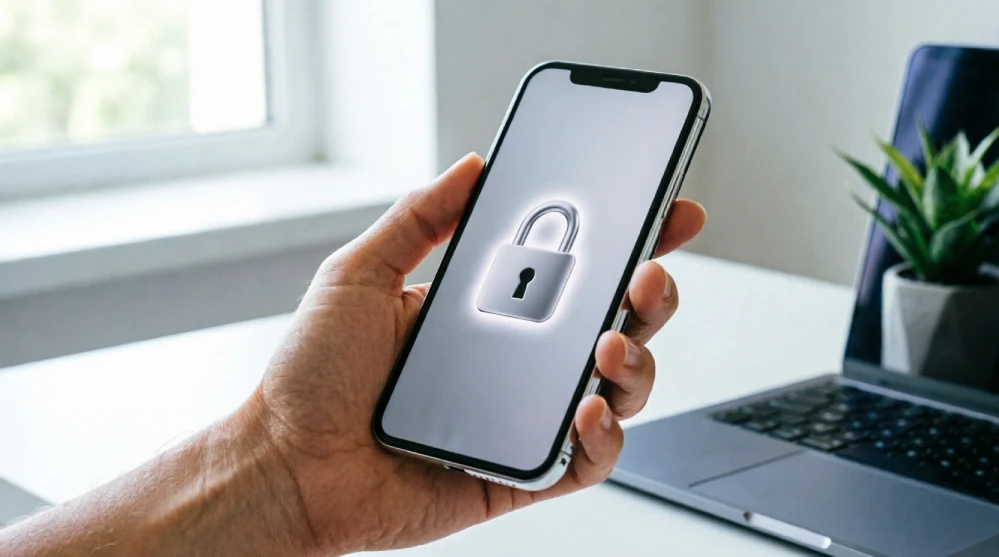
If you do only one thing from this list, make it this. Carrier-level protections prevent unauthorized number transfers. Most people don’t know these free options exist.
Enable a Port-Out Lock
A port-out lock (sometimes called a Number Transfer PIN or Line Lock) requires an extra verification step before your number can be moved to another carrier. Each major carrier handles this differently:
- AT&T: Log in to your account at att.com/myatt or call 800-331-0500. Navigate to Profile > Account Security > Port-Out Passcode and set a unique 6-digit code. You can also enable “Number Lock,” which completely blocks port requests until you remove it.
- T-Mobile: Call 611 from your T-Mobile phone or (800) 937-8997. Ask a rep to enable “Number Lock” on your account. You can also set this online at account.t-mobile.com under “Line Settings.”
- Verizon: Log in at verizon.com/myverizon or call 800-922-0204. Go to Account > Security > Port-Out Protection and enable it. You’ll be asked to create a transfer PIN.
Set a SIM PIN
A SIM PIN is different from your phone’s screen lock. It’s a 4–8-digit code that prevents anyone from using your SIM card in a different device. If someone steals your phone and pops out the SIM, they can’t access your account without this PIN.
- On iPhone: Go to Settings > Phone > SIM PIN and toggle it on.
- On Android: Go to Settings > Security > SIM Card Lock and enable it.
Add a Carrier Passcode
Most carriers let you set an account passcode that must be provided before any changes are made — in-store or over the phone. This is separate from your SIM PIN. When you call your carrier, confirm this passcode is active and known only to you. Don’t use the last four digits of your SSN — scammers already have that.
Quick action: Call your carrier today and confirm which security features are active. If port-out protection isn’t enabled, turn it on now.
Tip 2 — Which Two-Factor Authentication Method Actually Keeps You Safe?
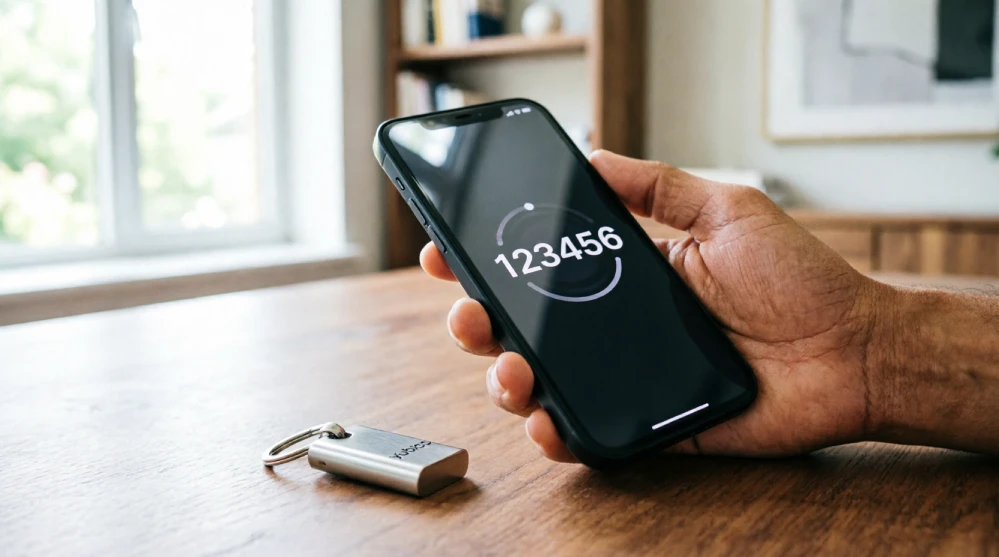
SMS-based two-factor authentication is the weakest form of 2FA — and the most common. That’s why scammers target your phone number.
Why SMS-Based 2FA Is Vulnerable
After a port-out or SIM swap, the scammer receives every text sent to your number. That includes the 6-digit codes from your bank and email. They can reset your passwords and lock you out of every account that relies on SMS verification.
Here’s how the three main 2FA methods compare:
| Method | Security Level | Convenience | Main Vulnerability |
| SMS Text Code | Low | High (no app needed) | SIM swap & port-out attacks — scammer receives your code |
| Authenticator App (Google Authenticator, Authy) | High | Medium (requires app) | Device theft — but codes stay on-device, not in transit |
| Hardware Security Key (YubiKey) | Very High | Low (carry a physical key) | Physical loss of the key — nearly impossible to remotely exploit |
Switch to Authenticator Apps or Security Keys
Authenticator apps like Google Authenticator and Authy generate time-sensitive codes directly on your device. Because they’re not tied to your phone number, a SIM swap doesn’t affect them. The code lives on your phone, not in a text message traveling through your carrier’s network.
For maximum protection — especially on accounts tied to finances or email — consider a hardware security key like a YubiKey. You plug it in (or tap it via NFC) to verify your identity. It’s nearly impossible to remotely compromise.
Where to start: In your bank app or email settings, look for “two-factor authentication.” Switch from SMS to an authenticator app wherever possible. Google, Apple, Amazon, and PayPal all support this.
Tip 3 — How Can You Stop Spam Calls and Robocalls from Reaching You?
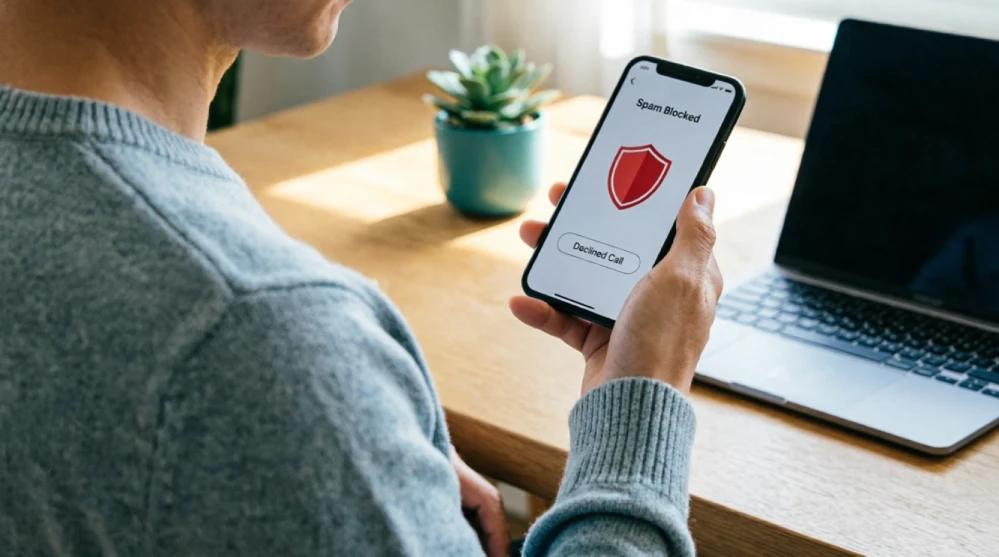
Spam calls are relentless. These tools stop the harassment.
Use Your Carrier’s Spam-Blocking Tools
All three major U.S. carriers offer free spam filtering built into their plans:
- AT&T ActiveArmor: Free app that provides spam risk labels and automatic fraud blocking. Download from the App Store or Google Play.
- T-Mobile Scam Shield: Pre-enabled for most T-Mobile customers. Toggle on Scam Block in the Scam Shield app or by dialing #662# from your phone.
- Verizon Call Filter: Basic version is free and auto-enabled. The upgraded version ($2.99/mo) adds a spam lookup tool.
Install a Third-Party Call-Blocking App
If your carrier’s tools aren’t cutting it, third-party apps add another layer of protection. Here’s a quick comparison of the best options available:
| App Name | Platform | Free/Paid | Key Feature | Best For |
| Truecaller | iOS & Android | Free (Premium $2.99/mo) | Global spam database with caller ID | Android users who want real-time ID |
| RoboKiller | iOS & Android | Paid ($4.99/mo) | Answer bots that waste scammers’ time | Anyone who wants to fight back |
| Nomorobo | iOS & Android | Free (landline), $1.99/mo (mobile) | Simultaneous ring — cuts robocalls instantly | VoIP & iPhone users |
| Hiya | iOS & Android | Free (Premium $3.99/mo) | Business-grade caller ID lookup | People receiving frequent business spam |
| Call Control | iOS & Android | Free (Premium $3.99/mo) | Community-powered block list | Users who want crowd-sourced protection |
Most of these apps match incoming calls against community-sourced databases of known scam numbers. The bigger the database, the more they catch. RoboKiller goes a step further — its answer bots pick up robocalls and waste the scammer’s time with automated nonsense, which genuinely reduces call volume over time.
Tip 4 — What Personal Information Should You Remove from the Internet?

Your phone number, address, and relatives’ names are likely on Whitepages, Spokeo, and dozens of data broker sites. Scammers use this information to pass carrier identity checks. These sites are legal — and they fuel port-out attacks.
Opt Out of Data Broker Sites
Each data broker has its own opt-out process, which is deliberately tedious. Here’s where to start:
- Whitepages: Visit whitepages.com/suppression_requests and search for your listing, then submit a removal request.
- Spokeo: Go to spokeo.com/optout, find your listing, and request removal. Expect to verify via email.
- BeenVerified: Visit beenverified.com/opt-out and follow the automated removal process.
- FastPeopleSearch: Submit an opt-out at fastpeoplesearch.com/removal.
If you’d rather not do this manually across 50+ sites, services like DeleteMe ($129/year) and Kanary automate the opt-out process and run periodic sweeps to catch new listings.
Lock Down Your Social Media Profiles
Your name, birthday, and city on Facebook or LinkedIn can answer security questions and pass carrier verification. Set profiles to friends only. Remove your phone number from public profiles. Don’t share your phone number in public online forms. Don’t make scammers’ research easy.
Tip 5 — What Habits Can Prevent Phone Scams Before They Happen?

Daily habits matter as much as settings.
Never Confirm Engagement with Unknown Callers
Don’t answer unknown numbers. Answering — even saying “hello” — confirms your number is active and attended, and it gets sold. Never press 1 to “opt out” of robocalls — that also confirms your number. If you answer and say “yes” to any question, that recording can authorize fraudulent charges. Let unknown calls go to voicemail. Important callers will leave a message.
Set a voicemail PIN that’s not the default (usually 0000 or 1234). Scammers can access carrier voicemail systems remotely if the default PIN is still in place. Enable voicemail-to-text so you can screen messages without calling back.
Don’t Click Suspicious Links in Texts
Smishing — fake texts posing as shipping alerts, bank messages, or government notices — is rising. Before clicking any link, ask: Did I expect this? Is the sender’s number known? Does the URL look off? Verify unexpected bank texts by calling the number on your card, not the number in the text. Never give out personal information to an incoming caller claiming to be your bank or carrier.
Tip 6 — How Do You Report a Phone Scammer and Protect Others?
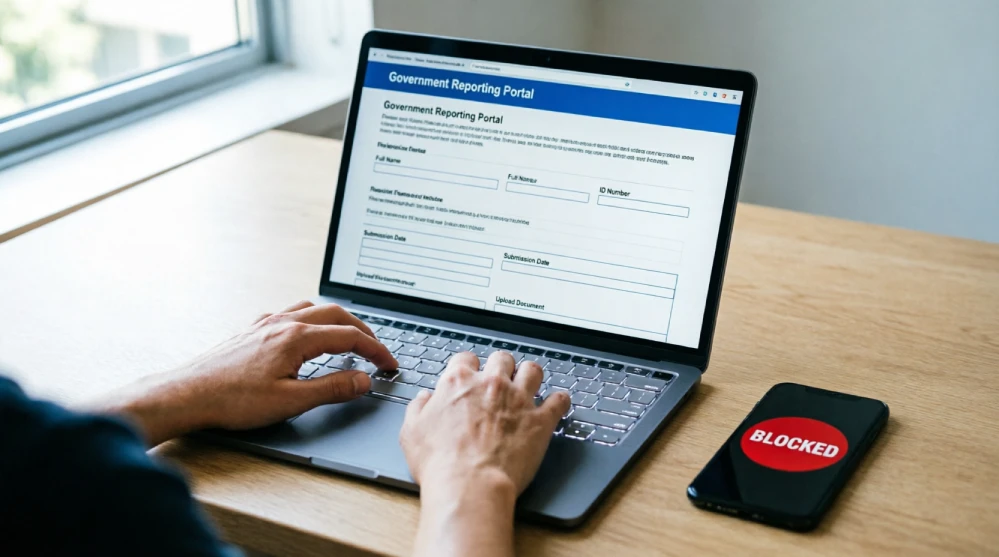
Reporting scam calls isn’t just about getting a scammer in trouble — it’s how the FCC and FTC build the cases and databases that eventually shut these operations down. Your report contributes directly to enforcement actions.
File a Complaint with the FCC and FTC
Both agencies accept complaints online, and both act on them:
- FCC Consumer Complaint Center: Visit consumercomplaints.fcc.gov to report unwanted calls, spoofed numbers, and robocalls. The FCC uses this data to pursue enforcement against carriers and scam networks.
- FTC Report Fraud: Visit reportfraud.ftc.gov to report phone scams and identity theft. The FTC shares complaint data with law enforcement across the country.
- If you’ve been a victim of identity theft connected to a phone scam, go to IdentityTheft.gov for a personalized recovery plan.
Register on the National Do Not Call Registry
The National Do Not Call Registry (donotcall.gov) won’t stop illegal scam calls — those callers don’t follow the rules — but it does reduce legitimate telemarketing calls, so there are fewer interruptions to screen.
- Register at donotcall.gov or call 1-888-382-1222 from the number you want to register.
- Registration is free and doesn’t expire.
- If you’re already registered and still receiving telemarketing calls, file a complaint at the same site.
Tip 7 — How Do You Know If Your Phone Number Has Already Been Compromised?
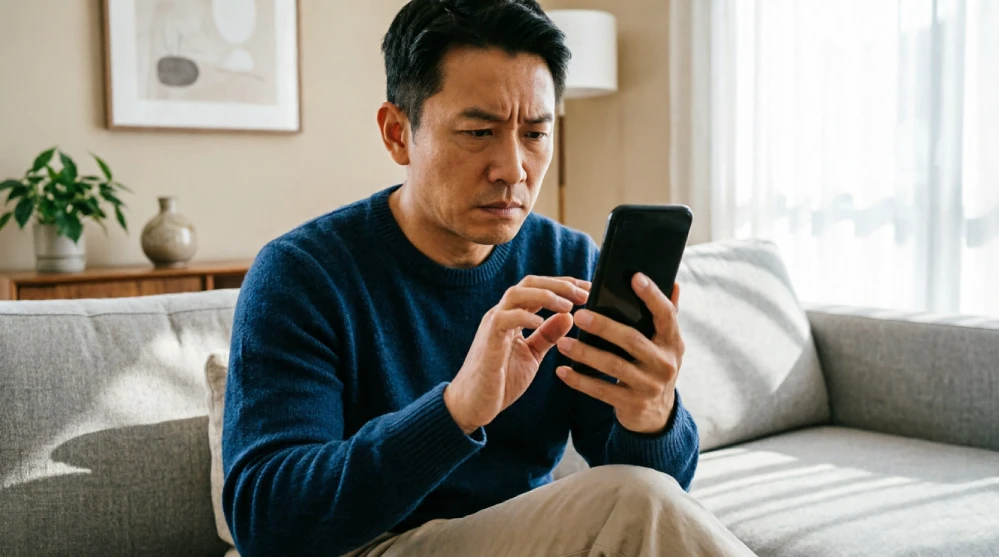
The first sign of a SIM swap might be subtle. Spotting it early limits damage.
Watch for these warning signs:
- Your phone suddenly shows “No Service” or “SOS Only” — even in areas with good coverage.
- You stop receiving calls and texts unexpectedly.
- You get an email notification that your carrier account password was changed — but you didn’t change it.
- You receive a one-time verification code you didn’t request (someone is trying to log into your account).
- Friends or family tell you they got strange calls or texts from your number.
If any of these happen, call your carrier immediately from another phone. Ask them to confirm no SIM swap or port-out request has been made. If one has, request it be reversed. Then change the passwords on every account that uses your phone number for login or verification — starting with your email and banking apps.
Set up free credit monitoring through Experian, TransUnion, or Equifax to catch any fraudulent accounts opened in your name.
FAQs
How do I stop scam calls on my cell phone?
Enable your carrier’s free spam-blocking tools (AT&T ActiveArmor, T-Mobile Scam Shield, Verizon Call Filter). Add a third-party app like RoboKiller or Truecaller. Let unknown calls go to voicemail. Register at donotcall.gov to reduce telemarketing calls.
What is a SIM swap attack, and how do I prevent it?
A SIM swap transfers your number to a scammer’s SIM using stolen personal info. Prevent it: enable a port-out lock and carrier passcode with AT&T, T-Mobile, or Verizon. Set a SIM PIN on your device so your SIM card can’t be used in another phone.
Is SMS two-factor authentication safe?
SMS 2FA is the weakest form. A SIM swap gives scammers access to verification codes. Authenticator apps like Google Authenticator or Authy are significantly more secure because codes stay on your device.
How do I register my number on the Do Not Call list?
Visit donotcall.gov or call 1-888-382-1222. Free, never expires. This applies to legal telemarketing; illegal scam calls ignore the list, so use it with spam-blocking apps.
Can someone steal my phone number without touching my phone?
Yes. Port-out and SIM swap scams happen entirely through your carrier, using your personal details to impersonate you. Enable a port-out lock — the single most important step.
What is the best app to block spam calls?
RoboKiller wastes scammers’ time with answer bots, reducing call volume. Truecaller has the largest caller ID database. Nomorobo works well for VoIP and iPhone. Try free trials before committing.
Should I answer calls from unknown numbers?
No. Let them go to voicemail. Answering confirms your number is active. Legitimate callers leave messages. If no message is left, it almost certainly wasn’t important.
What to Do Today
Most people hit by SIM swaps never knew their carrier offered free port-out protection. Call your carrier now and ask to enable Number Lock or Port-Out Protection. That five-minute call is the strongest defense against number theft.
Start there. Everything else builds on that foundation.

